1
Customer Management
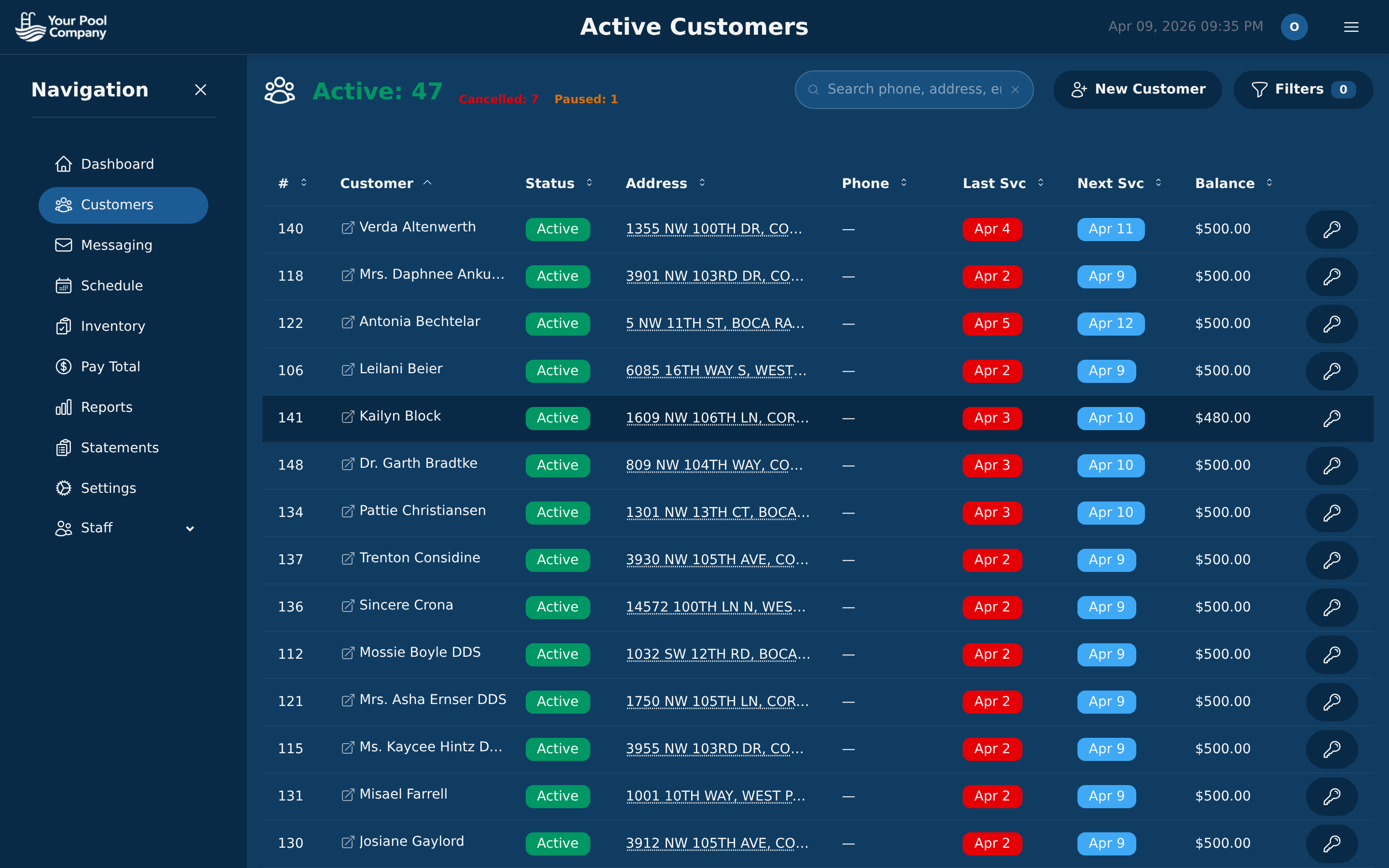
Your entire customer base on one screen — status, address, last visit, next visit, and outstanding balance. Click any row to open the full customer profile with billing, services, messages, and notes.
Six key areas, real screenshots, under three minutes. Click any image to zoom in.
Your entire customer base on one screen — status, address, last visit, next visit, and outstanding balance. Click any row to open the full customer profile with billing, services, messages, and notes.
Each customer's billing hub shows transaction history, recurring setup, statements, charges, payments, and credits. Set billing to autopilot and the program handles invoicing, collections, and late fees.
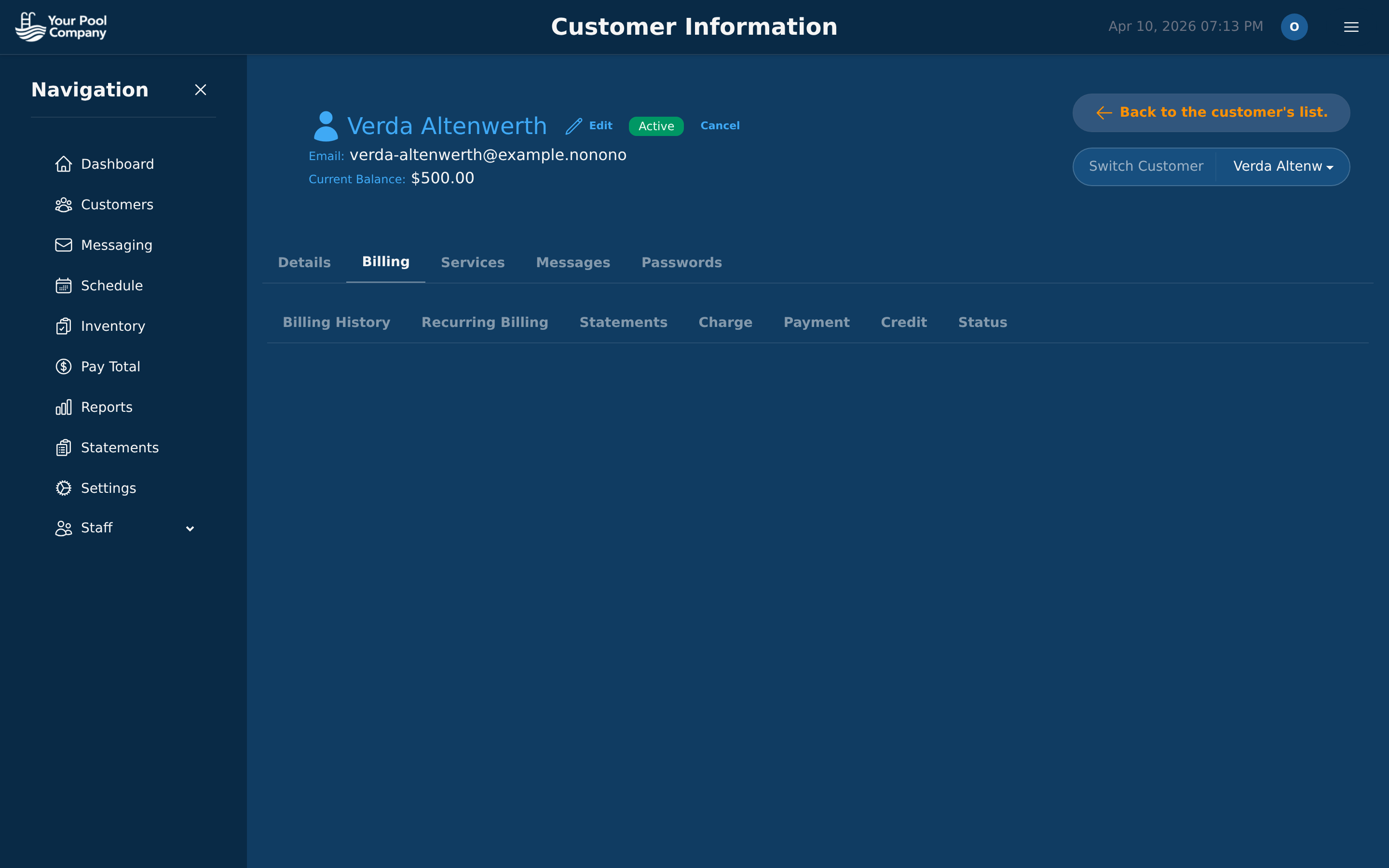
Recurring Billing Setup
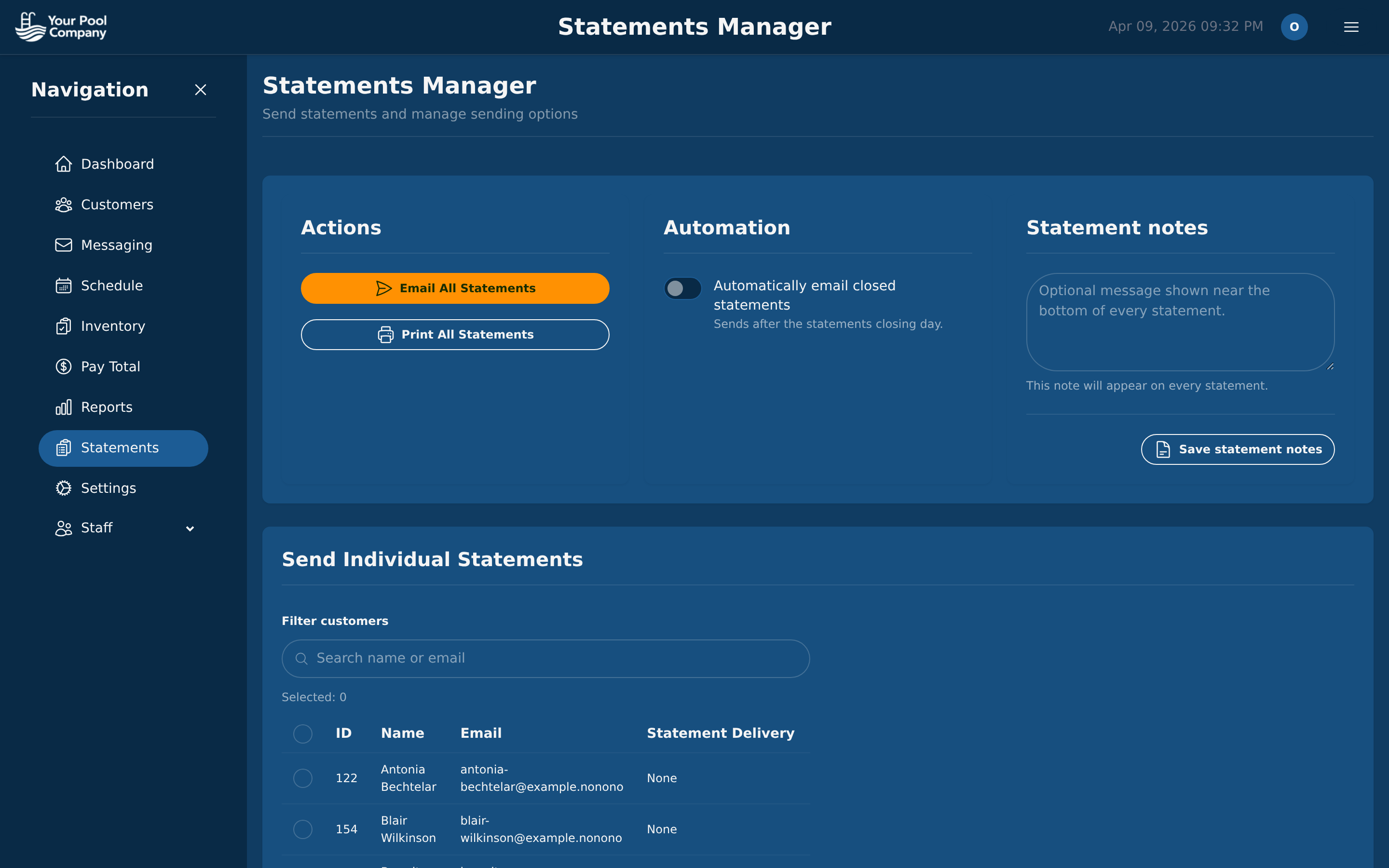
Statements Manager
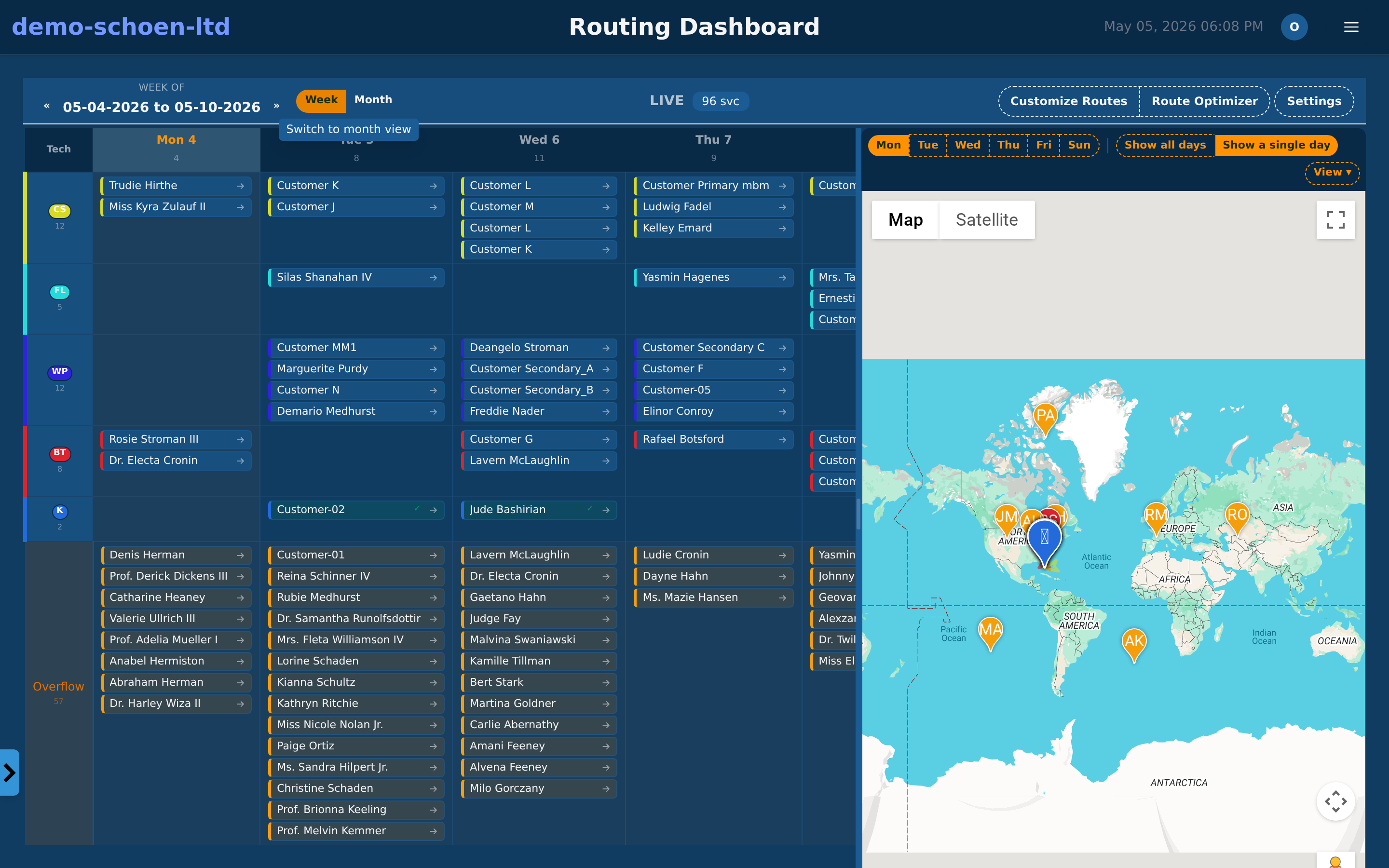
A weekly calendar on the left, an interactive map on the right. Drag stops between days, reorder them for shortest travel, and assign technicians — all from one screen.
Native iOS and Android app with daily schedules, guided checklists, chemical entry, photo capture, and offline mode. Every visit is documented before the tech drives away.
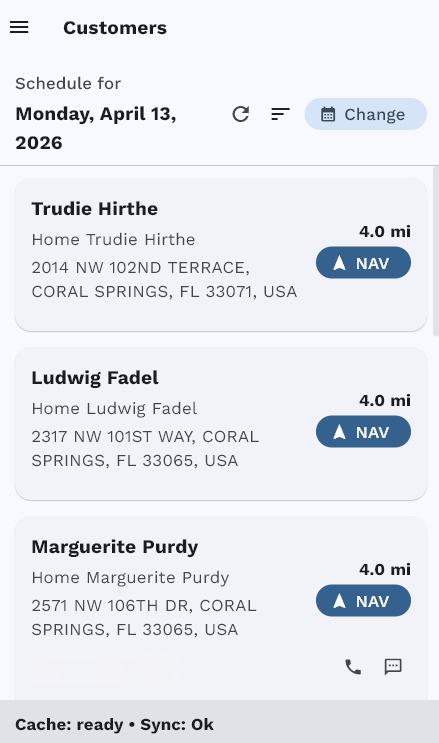
Daily Schedule
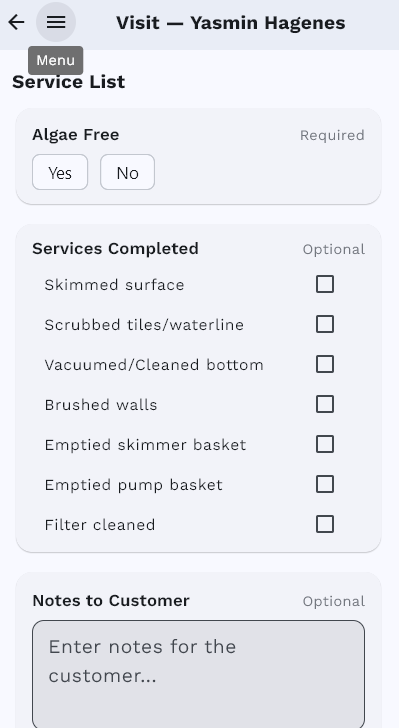
Service Checklist
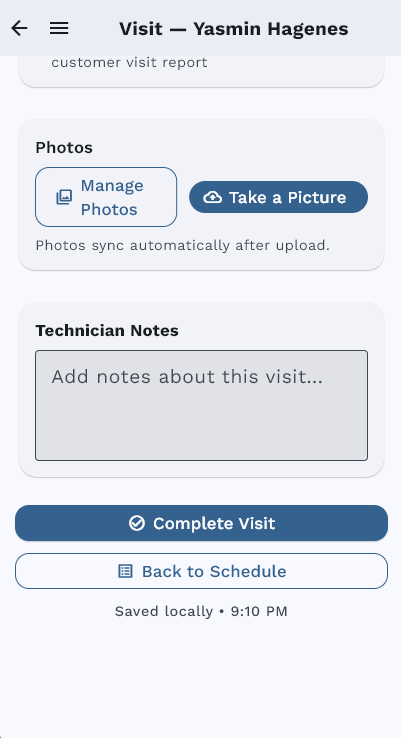
Photos & Complete
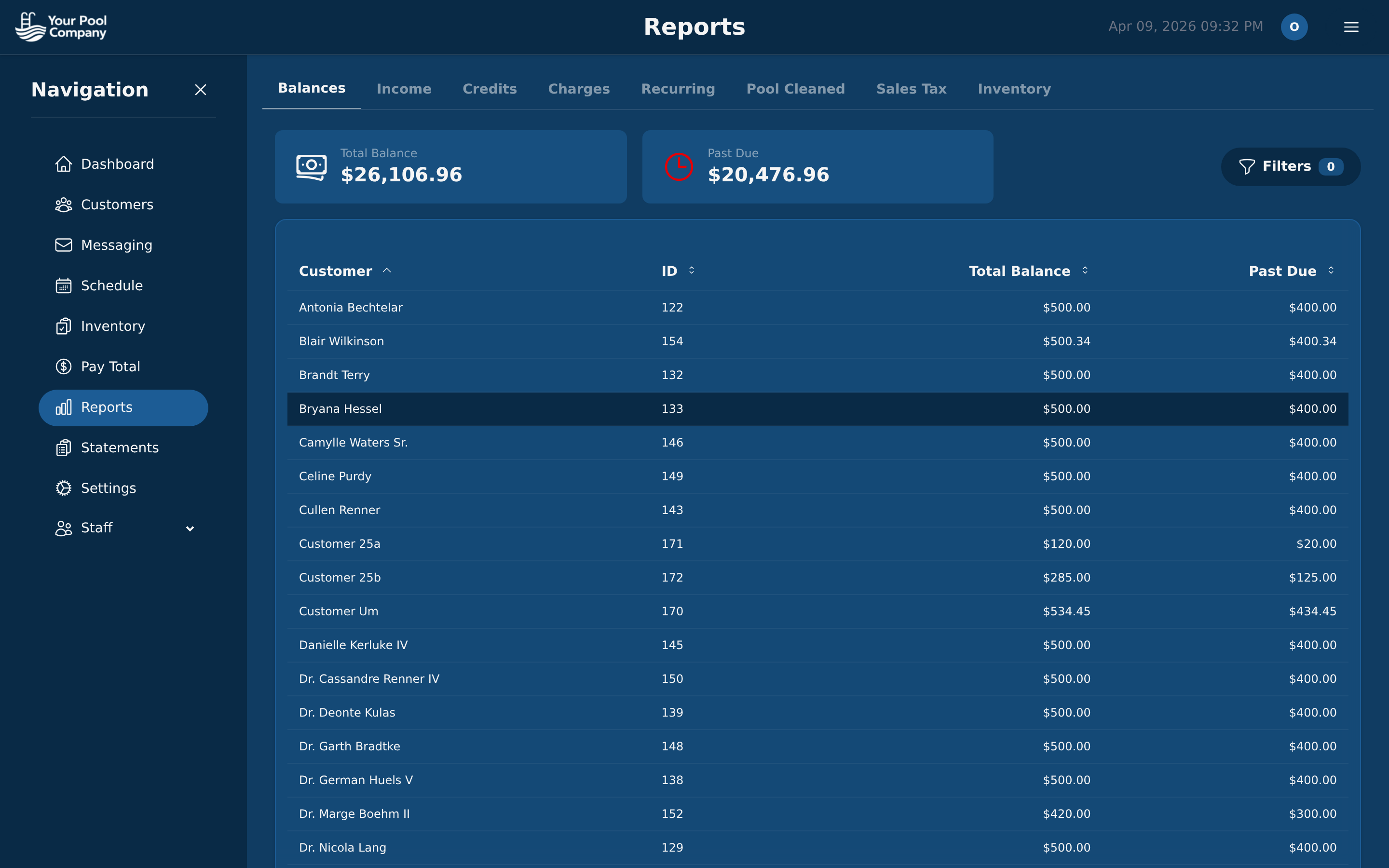
Revenue, aging, recurring income, technician performance, chemical costs — all filterable by date, customer, or service type.
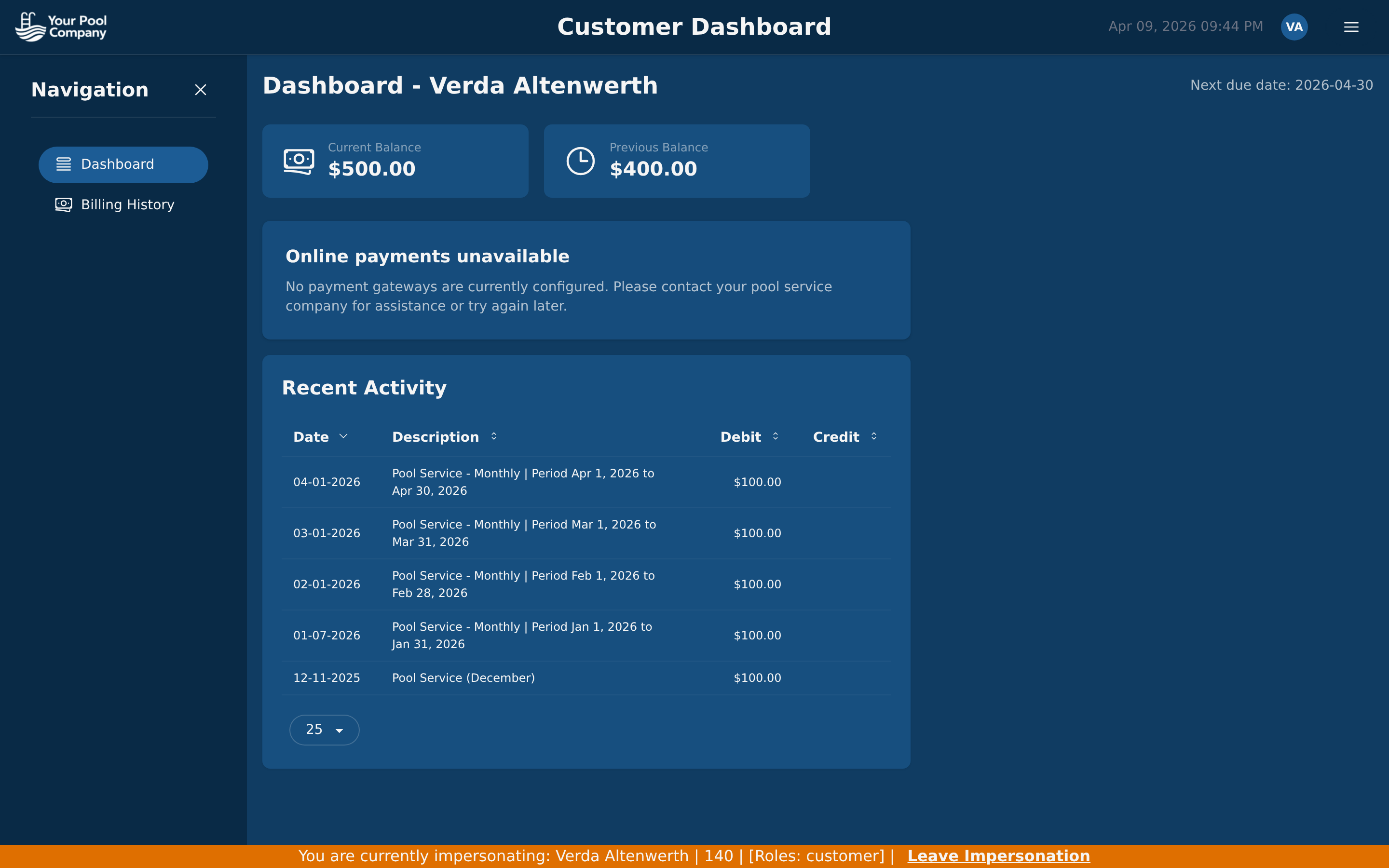
Homeowners get their own login to view invoices, pay bills, check balances, and review service reports — without calling your office.
This was a highlights tour. For a complete 18-screen product walkthrough covering onboarding, inventory, payroll, team management, and settings, visit the full tour.
See the Full Product TourEverything in this tour is included for $35/month. No hidden fees. Free data transfer.
No credit card required. Setup in under 30 minutes.